logo
hero image

What is GoShop?

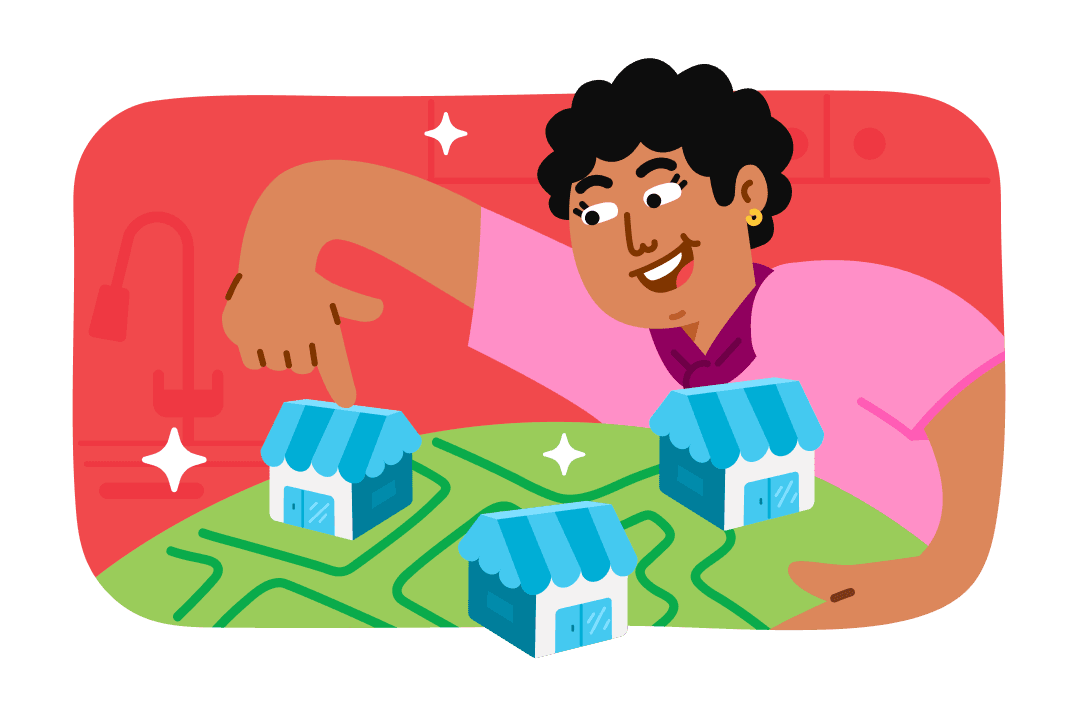
Shop anything, from anywhere

Choose the store and our driver will purchase and deliver it to your door.
Info card image

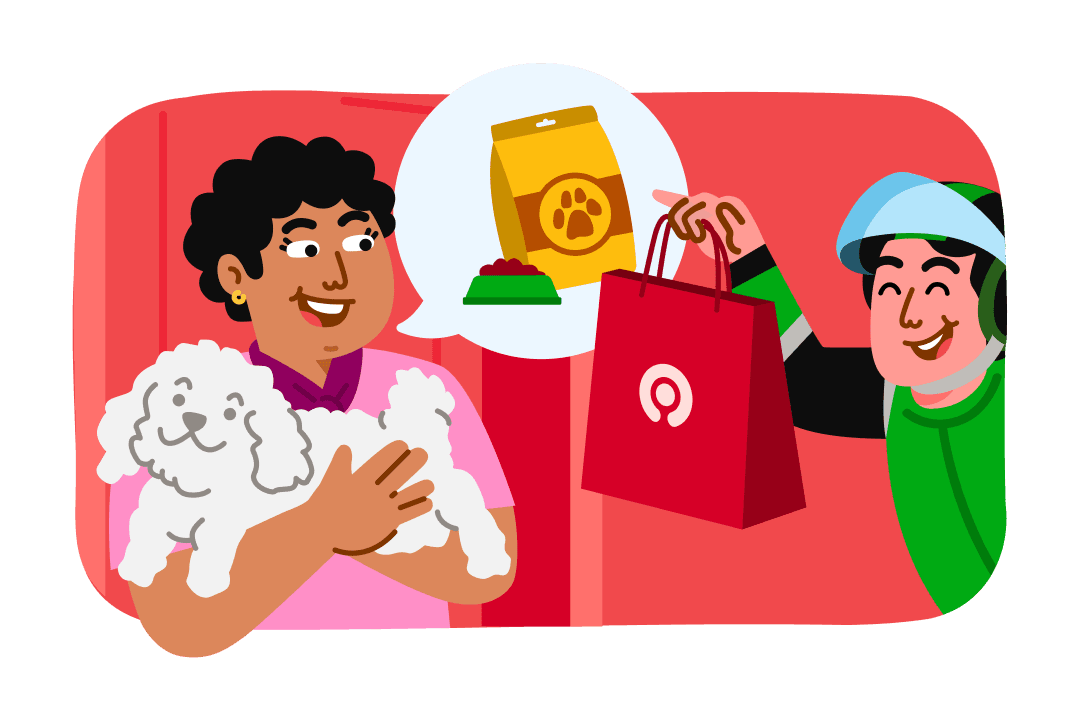
For any emergency need, we can deliver instantly

From pet stores, pharmacies, to flower shops. You can get anything on GoShop.
Info card image
How to Use GoShop
STEP 1
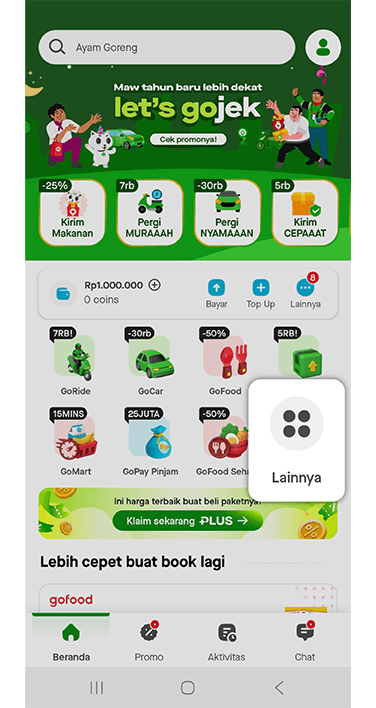
Open Gojek App and click others icon on your Home Screen.
STEP 2
Select GoShop
STEP 3
Type the store name and add location details to help the driver find the store and deliver your purchase.
STEP 4
Write the item names and estimated prices.
STEP 5
Review your purchase, delivery address, payment method, and place your GoShop purchase.
STEP 6
After that, your purchase will be on the way!
logo

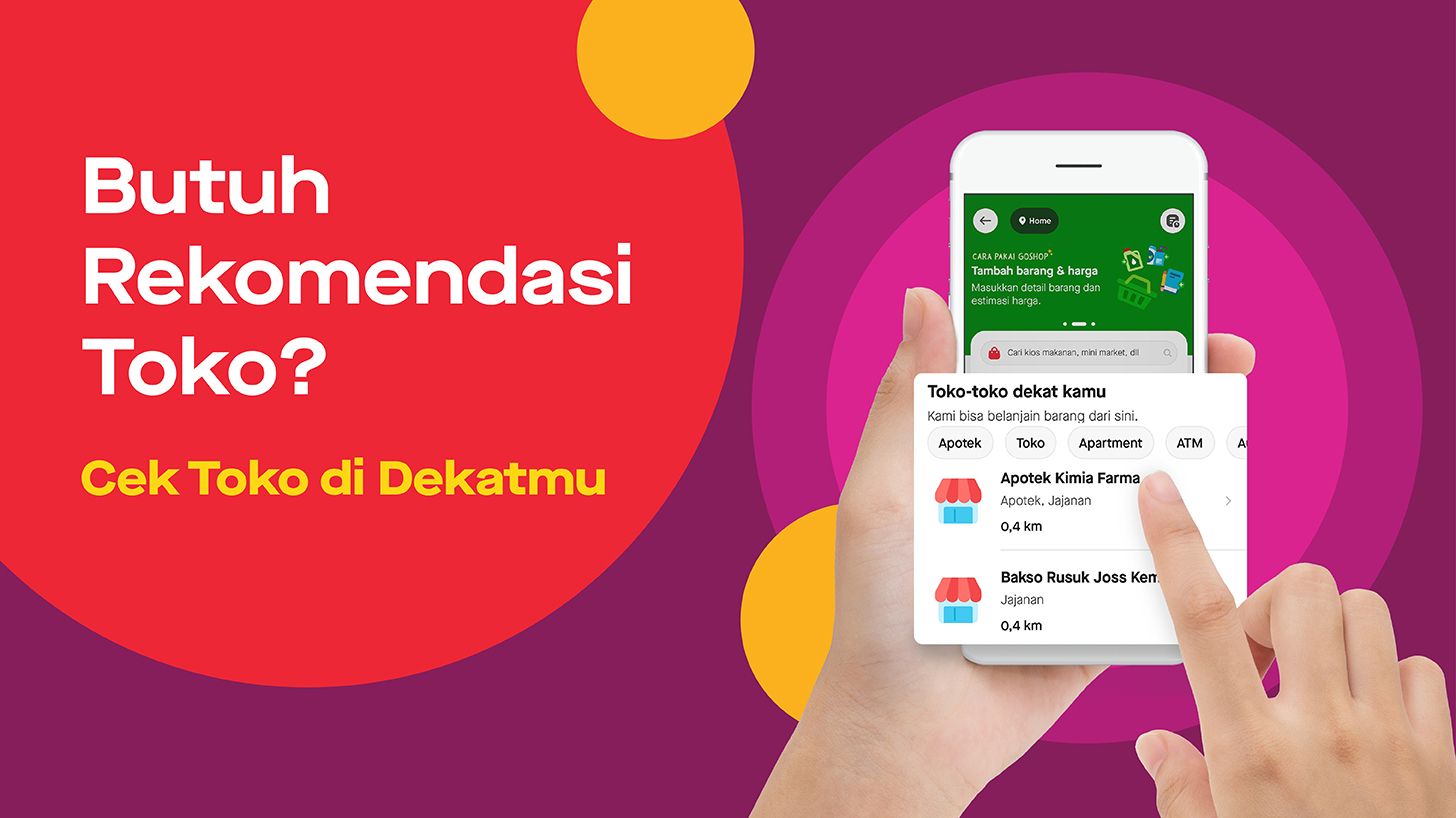
Don’t know where to shop? Check out the nearest stores

GoShop has a feature that can help you check the nearest stores around your location. All you need to do, is choose a store and shop your needs easily. Try GoShop in your city today!

Info card image